
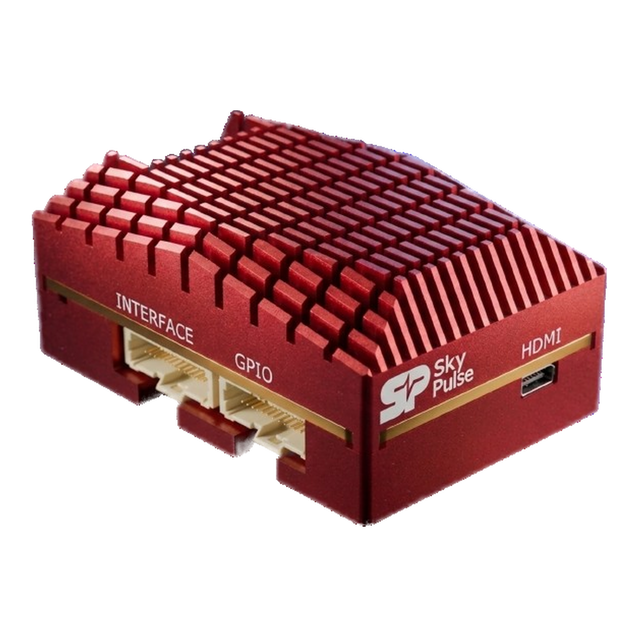
Helios FMUFlight controller and mission computer in one package.
A sensor-redundant flight controller and a companion computer in a single, low SWAP-C unit. Native ArduPilot and PX4, triple IMUs, capable of running advanced algorithms such as VIO, ATR, tracking and more.

 Native firmware support
100% NDAA compliant hardware


- Mass
- 94 g
- Input
- 6–36 V
- Full load
- ~12 W
- Firmware
- PX4 + ArduPilot
- Part number
- SP-HEL-4G
Trusted, field-tested hardware for robotics
Boards, modules and kits, with part numbers, key specs and published prices. New SKUs join this grid as they are released.
SkyNav GNSS Module
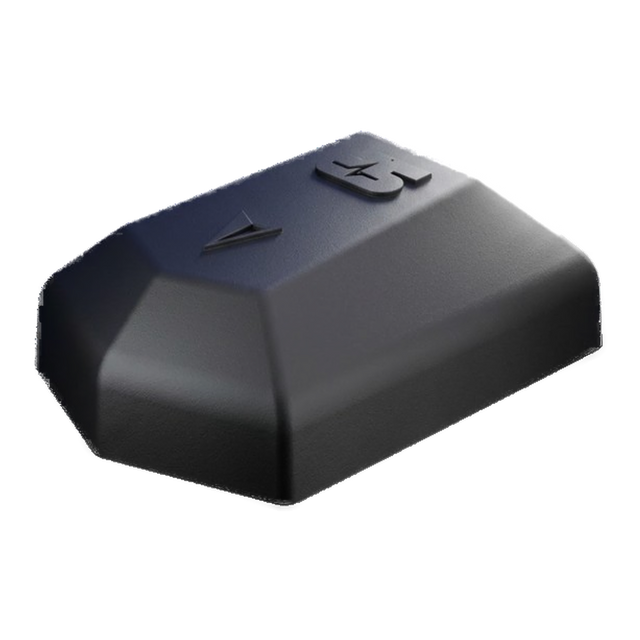
- L1+L5 multi-band GNSS
- cm-level RTK (Pro)
- 6-pin JST-GH, Pixhawk-standard pinout
The Skypulse ecosystem
Autonomous by design
- manufacturing
- NDAA Compliant
- The entire SkyPulse ecosystem is 100% NDAA compliant, so you can trust your hardware.
- Modules
- 3 → 1
- Helios integrates flight control, companion computer and voltage regulation all in one module, so you don't have to mess with wiring and mounting.
- Tested hardware
- TRL-9
- With over 10,000 operational flight hours in harsh conditions, we deliver reliable & durable hardware for the most demanding robotics applications.
Getting started with the companion computer
The companion computer runs Debian 12 (Bookworm) by default. The first connection is over Ethernet; after that you can add your own Wi-Fi credentials and SSH in wirelessly.
-
Connect and power up
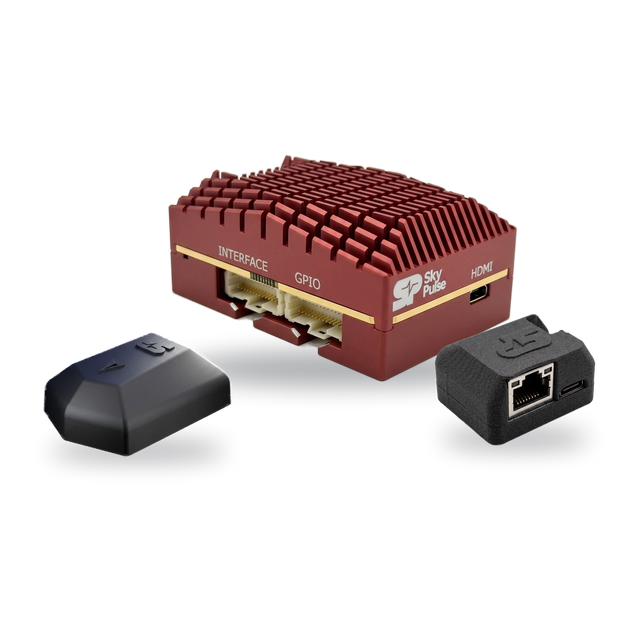
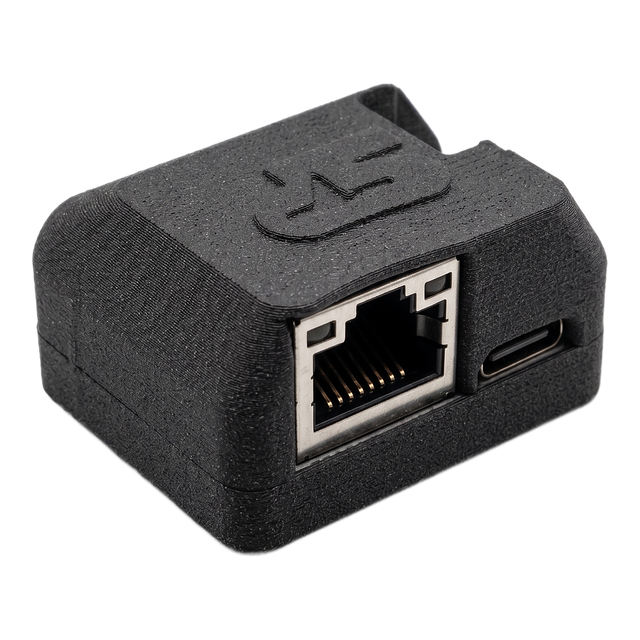
Connect the supplied Ethernet adapter to the Interface connector, then power up the unit.
-
Join the subnet
Give your computer a static IPv4 address on the 192.168.168.X network. The Helios answers on 192.168.168.33.
-
SSH into the companion computer
Default credentials are listed in the getting-started guide.
ssh skypulse@192.168.168.33 -
Check the flight-controller link
The flight controller talks to the computer on SERIAL3 (UART4), seen as /dev/ttyAMA0. Set SERIAL3_PROTOCOL to MAVLink2 and SERIAL3_BAUD to 921600, install PySerial, PyMavlink, MAVProxy and Future, then run:
MAV> Detected vehicle 1:1 on link 0~/.local/bin/mavproxy.py --master=/dev/ttyAMA0 --baudrate=921600
